Learning how to create a professional LinkedIn profile can make a big difference when you’re searching for internships, scholarships, or jobs. Many employers now check LinkedIn before they even respond to applications.
But here’s what I’ve noticed. A lot of students and early job seekers create a LinkedIn account once… and never touch it again.
They upload a quick photo, type a short headline, maybe add their school — and that’s it. Profile finished.
The problem? A half-complete profile rarely gets attention.
The good news is that building a professional LinkedIn profile isn’t complicated. A few thoughtful updates can make your profile look far more serious and help people understand what you can offer.
Let’s go through the steps.
Why LinkedIn Matters for Students and Job Seekers
Some students think LinkedIn is only for professionals with years of experience. Not true.
In fact, many recruiters use LinkedIn to search for the following:
- Recent graduates
- Interns
- Entry-level employees
- Students with specific skills
And sometimes they reach out directly.
Which means a good profile can quietly work for you in the background.
What a Strong LinkedIn Profile Should Include
Before we go step-by-step, it helps to know the key sections of a LinkedIn profile.
| Section | Purpose |
|---|---|
| Profile Photo | First impression |
| Headline | Quick summary of what you do |
| About Section | Personal introduction |
| Education | Academic background |
| Skills | Abilities related to your field |
| Experience | Internships, projects, or volunteer work |
| Connections | Professional network |
Think of your LinkedIn profile like an online CV—but more interactive.
Step-by-Step Guide: How to Create a Professional LinkedIn Profile
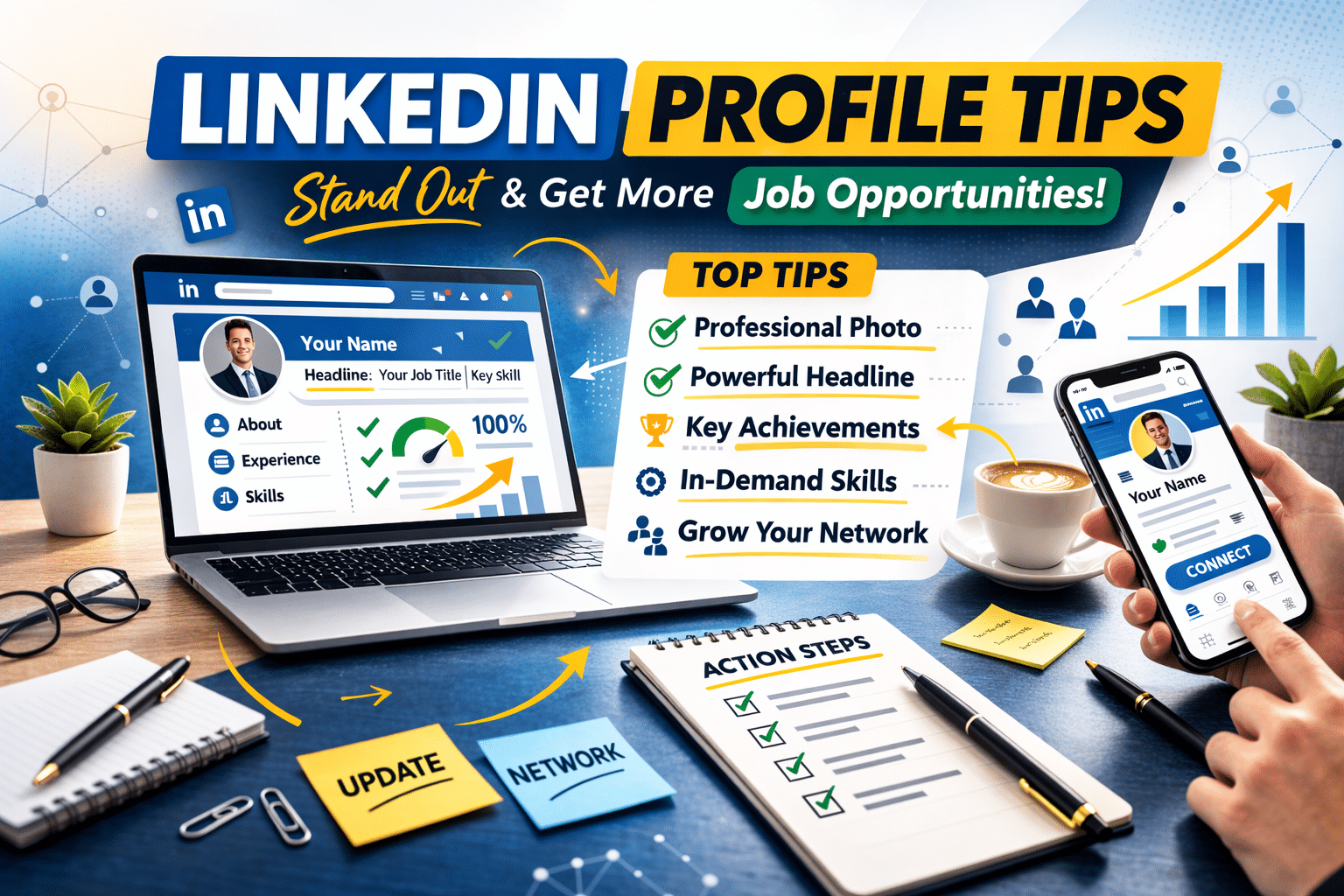
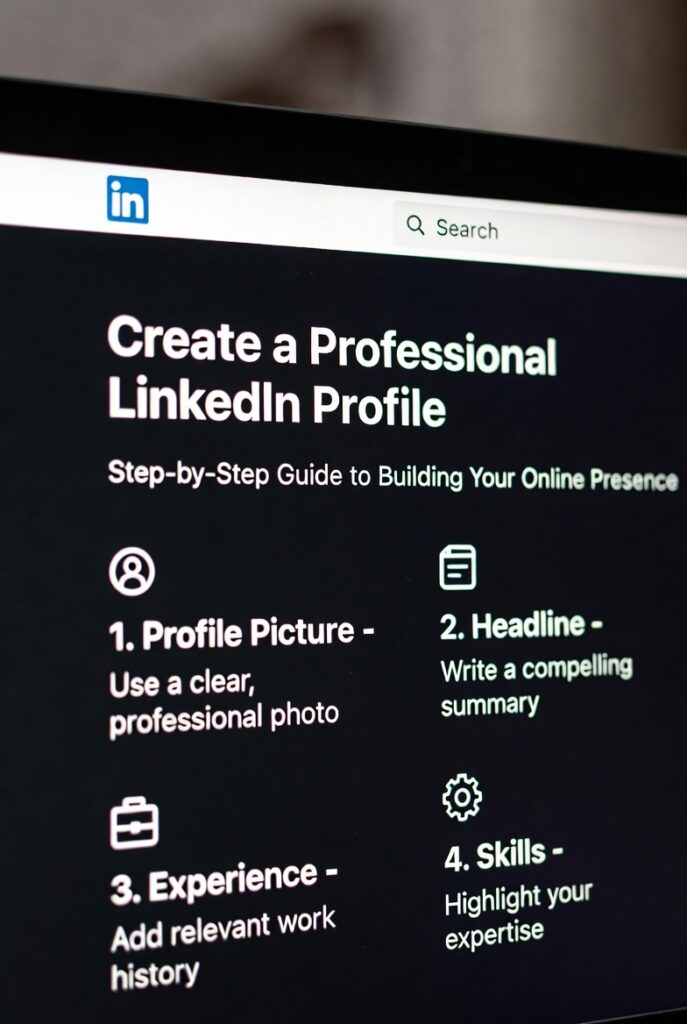
1. Choose a professional profile photo.
People decide within seconds whether a profile looks serious or not. Your photo plays a big role.
You don’t need a professional photographer. Really.
But the photo should be
- Clear and well-lit
- Taken against a simple background
- Focused on your face
- Friendly but professional
Natural daylight usually works best. Stand near a window and avoid heavy filters.
And yes—avoid party photos or group pictures.
2. Write a Clear and Informative Headline
Your headline appears right under your name. It’s one of the first things people notice.
Many users leave the default headline, like
Student at University of Ibadan
That’s okay… but it doesn’t say much.
A better headline shows what you’re studying or interested in.
Examples:
- Computer Science Student | Learning Software Development
- Accounting Graduate | Interested in Financial Analysis
- Marketing Student | Social Media and Content Strategy
Short. Simple. Informative.
3. Add a Natural “About” Section
This section introduces you to people visiting your profile.
Some users skip it. Others write something extremely formal.
Neither works very well.
A better approach is to write naturally — almost like you’re introducing yourself to someone.
Example:
I’m a business administration graduate with a growing interest in digital marketing and brand strategy. During my studies I worked on several class projects focused on market research and customer behavior. Right now I’m looking for opportunities where I can keep learning and contribute to a marketing team.
Three or four short paragraphs are usually enough.
4. Fill Out Your Education Section
If you’re a student or recent graduate, your education section is very important.
Include:
- School name
- Degree
- Field of study
- Graduation year
You can also add:
- Academic projects
- Student organizations
- Leadership roles
These details show your involvement and initiative.
5. Add Relevant Skills
Skills help recruiters understand what you can do.
LinkedIn allows you to list many skills, but it’s better to focus on the most relevant ones.
Examples include:
- Communication
- Data analysis
- Writing
- Programming
- Social media management
- Research skills
Try to choose skills connected to the type of opportunities you’re interested in.
6. Include Any Experience You Have
Experience doesn’t always mean a full-time job.
You can include:
- Internships
- Volunteer work
- Freelance projects
- Campus leadership roles
- Academic projects
For example:
Event Volunteer – Student Leadership Conference
Responsibilities may include:
- Assisting with event registration
- Supporting event organizers
- Coordinating participants
Small experiences still matter.
7. Upload Examples of Your Work
LinkedIn allows you to attach media to your profile.
You can share:
- Presentations
- Research work
- Design projects
- Articles you’ve written
This helps people see your abilities instead of just reading about them.
8. Customize Your LinkedIn URL
Your LinkedIn URL can look cleaner and more professional.
Instead of:
linkedin.com/in/johnsmith847392
You can edit it to something like
linkedin.com/in/johnsmith
This small change makes your profile easier to share on resumes and applications.
9. Start Building Your Network
LinkedIn works best when you connect with others.
You can begin with:
- Classmates
- Professors
- Alumni
- Colleagues
- Professionals in your field
You don’t need thousands of connections.
A small, relevant network works just fine.
10. Follow Companies and Industry Pages
The following companies help you stay informed about:
- Job openings
- Internship programs
- Industry news
And sometimes companies post opportunities directly on LinkedIn.
11. Stay Active Occasionally
You don’t need to post every day.
But checking LinkedIn occasionally helps keep your profile active.
You can:
- Comment on industry posts
- Share helpful resources
- Follow professionals in your field
Even small interactions help you stay visible.
Common LinkedIn Profile Mistakes
Many users make simple mistakes that weaken their profiles.
Examples include:
- Leaving sections incomplete
- Using unclear photos
- Writing very long summaries
- Adding too many unrelated skills
- Never updating the profile
A quick review every few months can help keep your profile current.
Tips to Make Your LinkedIn Profile Stronger
A few small improvements can make your profile look more professional.
Try these:
- Use a clear profile photo
- Write a short and natural summary
- Add projects or internships
- Keep your skills relevant
- Update your profile regularly
Simple steps — but they help.
FAQ: How to Create a Professional LinkedIn Profile
Do students really need a LinkedIn profile?
Yes. Many employers now check LinkedIn when reviewing candidates.
Creating a profile early helps you build your professional presence.
How long should a LinkedIn summary be?
Around 3–5 short paragraphs usually works well.
The goal is to introduce yourself without overwhelming readers.
How many skills should I add on LinkedIn?
Most people add 5–10 relevant skills related to their career interests.
Quality matters more than quantity.
Can LinkedIn help me find internships?
Yes. Many companies post internship opportunities directly on LinkedIn.
Recruiters also search for candidates using skills and keywords.
Conclusion
Understanding how to create a professional LinkedIn profile is an important step for students and job seekers today.
A well-structured profile helps people understand your background, skills, and interests. And sometimes it leads to opportunities you weren’t actively searching for.
You don’t need years of experience to build a strong profile. Just focus on presenting your education, skills, and activities clearly.
Start simple. Update your profile over time.
And who knows — the right opportunity might find you when you least expect it.